Table of Contents
- What Does it Mean to Download Bitcoin Online?
- Choosing the Right Wallet to Download
- Step-by-Step: How to Download Bitcoin Online Safely
- Downloading the Full Bitcoin Blockchain (Full Nodes)
- Security Best Practices for Your Digital Assets
- Avoiding Scams When You Download Bitcoin Online
- Final Thoughts and Key Takeaways
Are you looking for the most reliable way to download bitcoin online and start your journey into the world of decentralized finance? For many newcomers, the concept of “downloading” a currency sounds confusing. Unlike a traditional file or a PDF, Bitcoin is a decentralized ledger. However, to interact with this ledger, you need specific software—commonly known as a wallet. Whether you want to store, send, or receive digital currency, knowing how to download bitcoin online through secure channels is the first and most critical step in protecting your financial future.
What Does it Mean to Download Bitcoin Online?
To be technically accurate, you don’t actually download a “Bitcoin” file. Instead, when people search for how to download bitcoin online, they are usually looking for one of two things: a Bitcoin wallet or the entire Bitcoin blockchain history (known as a full node).
Bitcoin exists on a distributed network of computers. Your “ownership” of Bitcoin is verified by private keys that live inside your wallet. Therefore, the process of downloading Bitcoin is actually the process of downloading a secure software interface that allows you to manage these keys and interact with the blockchain. According to recent data, there are over 80 million unique Bitcoin wallet users globally, a number that continues to grow as adoption increases.
“Bitcoin is a technological tour de force. It is the first time we have a system where a distributed network of users can reach a consensus without a central authority.” — Bill Gates
Understanding this distinction is vital for your security. If you download the wrong software, you risk losing your funds to hackers or malware. Always ensure you are using official sources and verified developers.
Choosing the Right Wallet to Download
Before you download bitcoin online, you must decide which type of wallet suits your needs. Each offers a different balance between convenience and security.
1. Software Wallets (Hot Wallets)
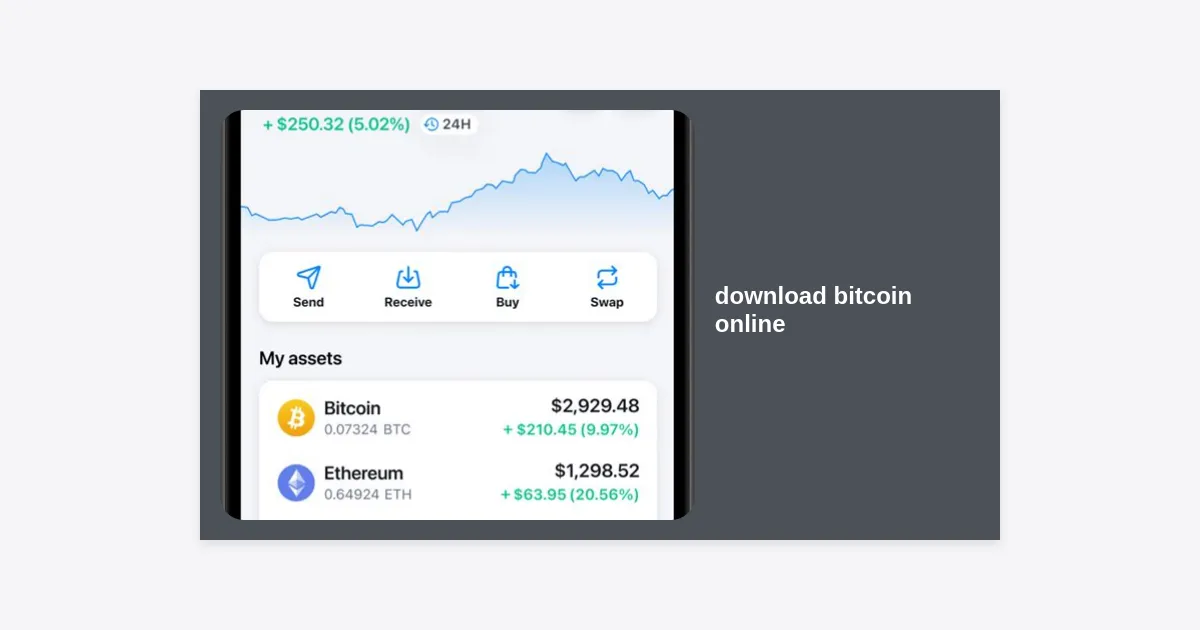
Software wallets are applications you install on your smartphone or desktop. They are incredibly convenient for daily transactions. Popular examples include Electrum, Exodus, and BlueWallet. These are perfect for those who want to download bitcoin online quickly and start using it immediately.
2. Hardware Wallets (Cold Storage)
While you don’t “download” the hardware itself, you do download the companion software that manages the device. Hardware wallets like Ledger or Trezor are considered the gold standard for security because they store your private keys offline, away from potential internet-based threats.
3. Full Node Wallets
If you want to support the network and have the highest level of privacy, you can download bitcoin online in the form of the Bitcoin Core client. This involves downloading the entire history of the blockchain, which currently exceeds 500GB in size. This is recommended for tech-savvy users who want to verify their own transactions without relying on a third party.
Step-by-Step: How to Download Bitcoin Online Safely
Ready to get started? Follow this guide to ensure you download bitcoin online without compromising your security.
- Research Your Options: Visit reputable community sites like Bitcoin.org to see a list of recommended wallets. Choosing a non-custodial wallet is essential if you want full control over your money.
- Verify the Source: Never click on sponsored ads in Google search results for wallet downloads. These are often phishing sites. Manually type the address of the wallet provider into your browser.
- Click the Download Button: Once you are on the verified site, locate the download section for your specific operating system (Windows, macOS, Linux, iOS, or Android).
- Install the Software: Run the installer and follow the on-screen prompts. Ensure your antivirus software is active during this process.
- Backup Your Seed Phrase: This is the most important step. When you first open your new wallet, it will provide a 12 or 24-word recovery phrase. Write this down on paper and hide it. If you lose this, you lose your Bitcoin forever.
Downloading the Full Bitcoin Blockchain (Full Nodes)
For those who want the true decentralized experience, you can download bitcoin online by running a full node. When you run a full node, your computer joins thousands of others in validating transactions and blocks. This is what keeps the Bitcoin network honest and secure.
Requirements for a Full Node:
- A laptop or desktop running a recent version of Windows, Mac OS X, or Linux.
- At least 600 GB of free disk space.
- 2 GB of RAM (Random Access Memory).
- A high-speed internet connection with upload speeds of at least 400 KB/s.
- An unmetered connection or a connection with high upload limits.
The Initial Block Download (IBD) can take several days or even weeks depending on your internet speed and hardware performance. Once finished, you will have a complete, private copy of the entire financial history of Bitcoin.
Security Best Practices for Your Digital Assets
Now that you know how to download bitcoin online, you must protect your assets. The phrase “be your own bank” comes with significant responsibility. Unlike a traditional bank, there is no “forgot password” feature for the Bitcoin blockchain.
- Use Two-Factor Authentication (2FA): If the wallet software supports it, use an app-based authenticator like Google Authenticator or Authy. Avoid SMS-based 2FA as it is vulnerable to SIM-swapping attacks.
- Keep Software Updated: Developers frequently release patches for security vulnerabilities. Always update your wallet software as soon as a new version is released.
- Never Share Your Seed Phrase: No legitimate support agent or website will ever ask for your 12 or 24-word recovery phrase. Anyone who has this phrase has full access to your funds.
- Use a Strong Password: Even if your wallet is encrypted, a weak password can be cracked using brute-force methods. Use a password manager to generate and store complex credentials.
Avoiding Scams When You Download Bitcoin Online
Because Bitcoin is valuable, it attracts many bad actors. Many people trying to download bitcoin online fall victim to common scams. One of the most prevalent is the “Fake Wallet” scam. These apps appear in the App Store or Google Play Store, looking identical to popular wallets like MetaMask or Ledger Live, but they are designed to steal your keys.
Another common tactic is the “Giveaway Scam.” You might see a YouTube video or a social media post claiming that if you download a certain piece of software or send Bitcoin to an address, they will double your money. These are always scams. Remember the golden rule of the internet: if it sounds too good to be true, it probably is.
Final Thoughts and Key Takeaways
Learning how to download bitcoin online is an empowering step toward financial sovereignty. By choosing a secure wallet, backing up your seed phrase, and staying vigilant against scams, you can safely navigate the world of cryptocurrency. Whether you choose a simple mobile wallet for small transactions or a robust full node to support the network, the power is in your hands.
Key Takeaways:
- You don’t download a Bitcoin file; you download a wallet software to manage your keys.
- Hardware wallets offer the highest security for long-term storage.
- Always use official websites to download software and avoid clicking on ads.
- Your recovery seed phrase is the only way to recover your funds if your device is lost.
- Keep your software updated and use 2FA whenever possible.
As the landscape of digital finance continues to evolve, staying informed is your best defense. Start small, educate yourself, and you will see that managing your own digital wealth is not only possible but incredibly rewarding. Ready to take the plunge? Go ahead and download bitcoin online safely today!