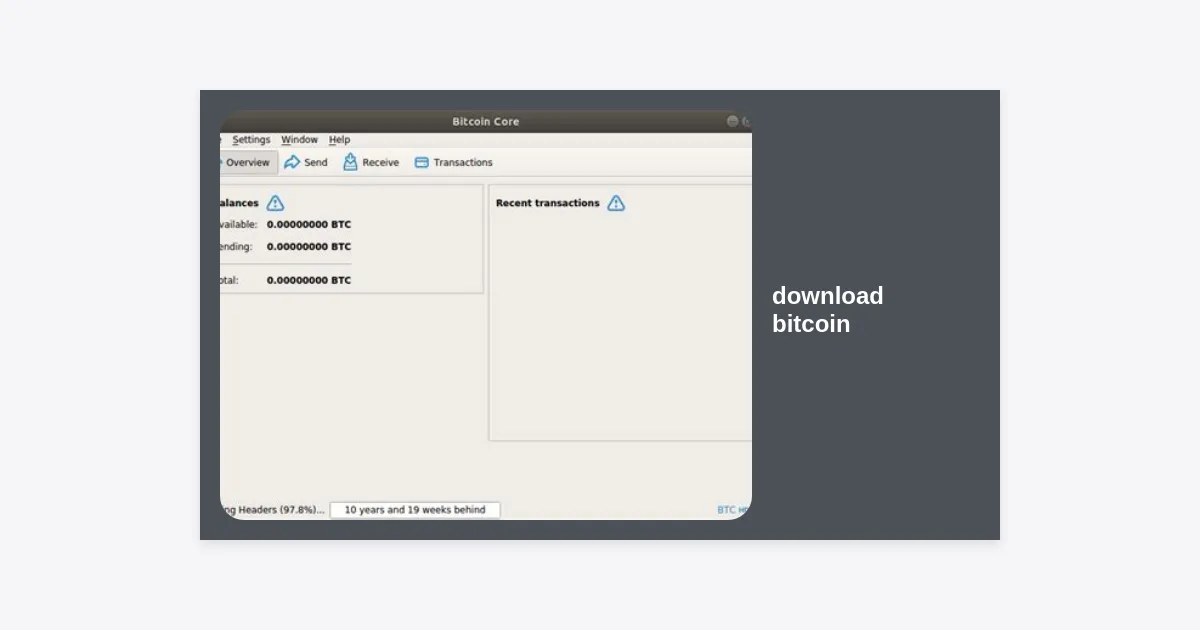
When people search for how to download bitcoin, they are often looking for one of three things: a cryptocurrency wallet to store their assets, the full Bitcoin blockchain to run a node, or a dataset of historical price action for analysis. Since Bitcoin is a decentralized protocol and not a single software application, the process depends entirely on your specific goals.
In this comprehensive guide, we will walk you through every aspect of the process. Whether you want to become a part of the network by running a full node or simply need a safe place to store your digital gold, you will find actionable steps and expert advice below. We will explore the technical requirements, security protocols, and the best platforms to get started.
Table of Contents
- What Does It Mean to Download Bitcoin?
- Downloading Bitcoin Core: Running a Full Node
- Hardware and System Requirements
- Step-by-Step Installation Guide
- Downloading Bitcoin Wallets for Storage
- Downloading Historical Bitcoin Price Data
- Security Best Practices and E-E-A-T
- Frequently Asked Questions
- Conclusion and Next Steps
What Does It Mean to Download Bitcoin?
To download bitcoin is a broad term. Unlike downloading a movie or a document, Bitcoin is a distributed ledger. When you “download” the Bitcoin software, you are typically downloading Bitcoin Core, which is the reference client that defines the network rules.
By downloading the entire blockchain history, you are participating in the process of validation. You aren’t just trusting a third party to tell you how many bitcoins you have; you are verifying every transaction that has ever occurred since the Genesis Block in 2009. This is the epitome of the “Don’t Trust, Verify” ethos in the crypto space.
Alternatively, many users simply want to download bitcoin wallet software. This allows them to generate private keys and receive funds without needing to store the hundreds of gigabytes of data that make up the full blockchain. We will cover both methods in depth.
Downloading Bitcoin Core: Running a Full Node
Bitcoin Core is the backbone of the network. It is open-source software that allows anyone to serve as a node. When you run a full node, you contribute to the security and decentralization of the entire ecosystem. You are effectively your own bank.
Why You Should Run a Full Node
- Privacy: You don’t have to leak your IP address or transaction history to third-party servers.
- Security: You verify that the coins you receive are legitimate and not “double-spent.”
- Governance: You have a vote in the network’s rules and can choose which software version to support.
- Economic Sovereignty: You interact directly with the peer-to-peer network without intermediaries.
Hardware and System Requirements
Because the Bitcoin blockchain contains every transaction made over the last decade, it requires significant storage space. Before you decide to download bitcoin core, ensure your hardware meets these minimum specifications:
| Resource | Minimum Requirement | Recommended |
|---|---|---|
| Storage Type | HDD (Slow) | SSD (Highly Recommended) |
| Storage Space | 600 GB+ | 1 TB+ |
| RAM | 2 GB | 4 GB+ |
| Bandwidth | 5 GB/day upload | Uncapped/High speed |
| Operating System | Windows, Mac, Linux | Linux (Ubuntu/Debian) |
Note: If you have limited disk space, you can enable “pruning,” which allows the software to delete old transaction data while still maintaining the current state of the ledger. This can reduce the storage requirement to as little as 5-10 GB.
Step-by-Step Installation Guide
Follow these steps to safely download bitcoin core and sync with the network:
- Visit the official site: Always go to bitcoincore.org or bitcoin.org. Avoid third-party mirrors.
- Verify the signatures: Use GPG to verify that the download hasn’t been tampered with. This is a critical step for security.
- Install the software: Run the installer and choose your data directory. Ensure this drive has enough space.
- Initial Block Download (IBD): Once launched, the client will begin downloading the blockchain. Depending on your internet speed and CPU, this can take anywhere from 24 hours to several days.
- Configuration: You can edit the
bitcoin.conffile to optimize performance, setup a proxy, or enable the RPC console.
Downloading Bitcoin Wallets for Storage
If your goal is simply to store and send funds, you don’t need the full blockchain. Instead, you should download bitcoin wallet software. These are known as “SPV” (Simplified Payment Verification) or “Light” wallets.
Desktop Wallets
Desktop wallets offer a balance between security and convenience. Electrum is one of the oldest and most trusted desktop wallets. It allows for cold storage integration and multi-signature setups.
Mobile Wallets
For everyday transactions, mobile wallets are ideal. Applications like BlueWallet or Muun offer intuitive interfaces and support for the Lightning Network, allowing for near-instant and near-free transactions.
Hardware Wallets (The Gold Standard)
While you can download software for free, the safest way to store Bitcoin is using a hardware wallet like Ledger or Trezor. These devices keep your private keys offline, protecting them from malware on your computer.
Downloading Historical Bitcoin Price Data
Analysts and developers often need to download bitcoin price history for backtesting trading strategies or conducting research. This data is usually available in CSV or JSON formats.
Recommended sources for data include:
- Kaggle: Often hosts large datasets of minute-by-minute price action.
- CoinGecko/CoinMarketCap: Provide APIs for historical daily prices.
- Yahoo Finance: Allows for easy CSV exports of historical BTC/USD data.
- Glassnode: Provides on-chain data (though some features require a subscription).
Security Best Practices and E-E-A-T
In the world of Bitcoin, you are responsible for your own security. There is no “forgot password” button if you lose access to your keys. Here are the golden rules to follow after you download bitcoin software:
“Not your keys, not your coins. If you do not control the private keys to your wallet, you do not truly own the bitcoin stored within it.”
- Backup your Seed Phrase: Your 12 or 24-word recovery phrase is the only way to recover your funds. Write it down on paper and store it in a fireproof safe. Never store it digitally or in the cloud.
- Use Two-Factor Authentication (2FA): If you use an exchange (which we advise against for long-term storage), always use app-based 2FA like Google Authenticator or a hardware key like Yubikey.
- Avoid Scams: No legitimate software will ask for your seed phrase to “update.” Only download bitcoin software from verified, official sources.
- Regular Updates: Keep your software updated to ensure you have the latest security patches and protocol improvements.
Frequently Asked Questions
Is it free to download Bitcoin?
Yes, the Bitcoin Core software and most reputable wallets are open-source and free to download. There is no cost to join the network, though you will pay transaction fees when sending coins.
How long does it take to download the full blockchain?
With a fast SSD and a 100 Mbps internet connection, the Initial Block Download usually takes 24 to 48 hours. On slower hardware, it can take over a week.
Can I download Bitcoin on my phone?
You can download Bitcoin wallets on your phone, but it is currently impossible to download the full 550GB+ blockchain on a standard smartphone due to storage and processing constraints.
Is downloading Bitcoin legal?
In the vast majority of countries, downloading the Bitcoin software and running a node is perfectly legal. However, always check your local regulations regarding cryptocurrency ownership and usage.
Conclusion and Next Steps
Whether you choose to download bitcoin core to support the network or a sleek mobile wallet for your first purchase, you are taking a step toward financial independence. By understanding the difference between a full node and a light wallet, you can tailor your setup to your specific needs for privacy and security.
Key Takeaways:
- Running a node gives you the highest level of privacy and sovereignty.
- Always verify software signatures before installation.
- Prioritize hardware wallets for significant amounts of capital.
- Never share your seed phrase with anyone.
Ready to get started? Head over to the official Bitcoin Core website or choose a reputable mobile wallet to begin your journey into the future of money. The decentralized revolution starts with a simple download.