- The Evolution of iPhone 17 Offline Capabilities
- Apple Intelligence: Processing Without the Cloud
- Mastering Navigation: iPhone 17 Offline Maps and GPS
- Satellite Features: Moving Beyond Emergency SOS
- Hardware Specs Driving Offline Performance
- Actionable Tips: How to Set Up Your iPhone 17 for Offline Use
- Managing System Updates and Backups Offline
- Entertainment and Media: Curating Your Offline Library
- The Future of Offline-First Mobile Computing
- Final Thoughts: Why iPhone 17 Offline Features Matter
The Evolution of iPhone 17 Offline Capabilities
In an era where we are constantly tethered to the cloud, the concept of using an iphone 17 offline might seem counterintuitive to some. However, as mobile technology matures, the demand for privacy, speed, and reliability in data-deprived environments has never been higher. Whether you are trekking through a remote wilderness, flying across the ocean, or navigating a city with spotty 5G coverage, understanding how to maximize your device’s capabilities without an active internet connection is essential.
The upcoming iPhone 17 series is expected to redefine what “on-device” means. With advancements in silicon architecture and a renewed focus on localized artificial intelligence, Apple is shifting the paradigm. This guide explores every facet of the iphone 17 offline experience, from the powerful A19 chip to enhanced satellite communication features that ensure you are never truly lost or disconnected from the tools you need most.
As we anticipate the release of this next-generation hardware, it becomes clear that the ability to function independently of a server is the ultimate luxury. High-speed connectivity is a convenience, but robust offline functionality is a necessity for the modern professional and the adventurous traveler alike.
Apple Intelligence: Processing Without the Cloud
One of the most significant selling points of the iphone 17 offline ecosystem is the expansion of Apple Intelligence. Unlike many AI competitors that rely heavily on server-side processing, Apple has committed to a “privacy-first” approach. This means that a substantial portion of your device’s cognitive tasks happens directly on the hardware.
With the rumored 12GB of RAM in the iPhone 17 Pro and the potential for a new “Slim” or “Air” model, the Large Language Models (LLMs) used for Siri and text generation are becoming more compact and efficient. This allows you to summarize long documents, generate smart replies, and even edit photos using AI features without needing a single byte of data from a cellular tower.
“The future of AI is not in the cloud; it is in your pocket. By processing data locally, the iPhone 17 ensures that your personal information never leaves the device, providing both security and blazing-fast response times.”
Mastering Navigation: iPhone 17 Offline Maps and GPS
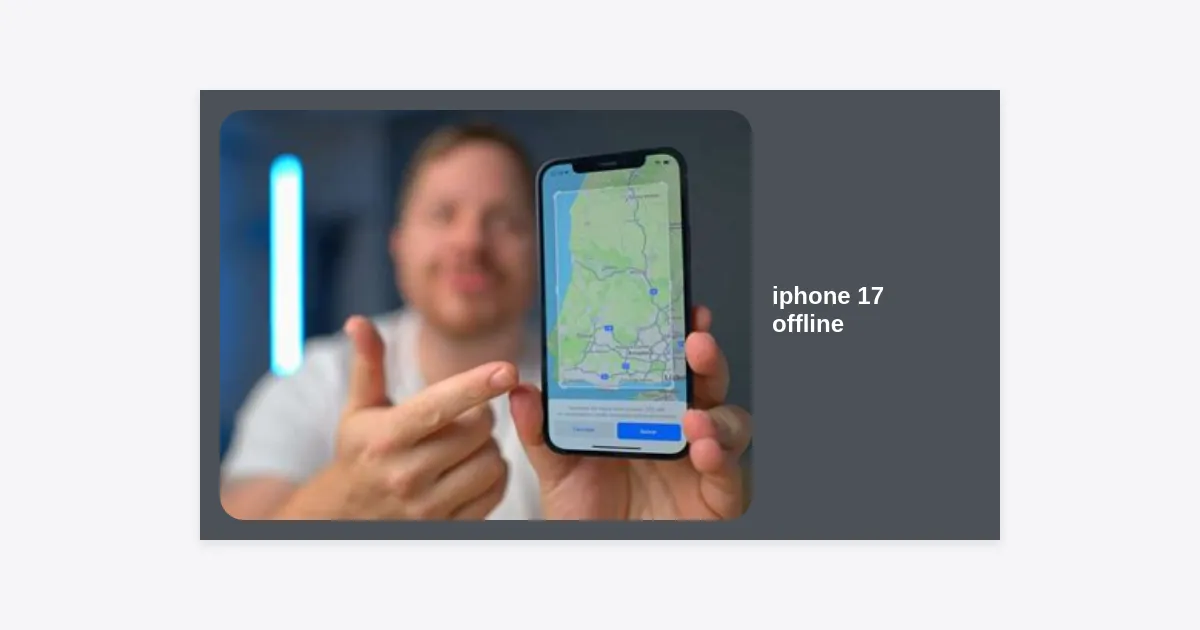
Navigating with an iphone 17 offline has become more sophisticated than ever. While basic GPS functionality has always worked without data (as GPS uses satellites, not cell towers), Apple Maps now offers seamless integration for pre-downloaded regions. Here is how you can ensure your navigation remains 100% functional in dead zones:
- Pre-emptive Downloads: Users can select specific cities or entire states to save locally. This includes turn-by-turn walking, driving, and cycling directions.
- Point of Interest (POI) Search: Even without a connection, you can search for gas stations, restaurants, and hospitals within your downloaded map area.
- Electric Vehicle Routing: For the first time, offline maps will likely include EV charging station data that updates locally based on your planned route.
Statistics show that nearly 40% of travelers experience a data outage or high roaming fees while abroad. By mastering the iphone 17 offline maps feature, you eliminate the anxiety of being lost in an unfamiliar territory.
Satellite Features: Moving Beyond Emergency SOS
The iPhone 14 introduced Emergency SOS via satellite, but the iphone 17 offline experience is expected to take this to a professional level. Rumors suggest that Apple is working with Globalstar to provide more than just emergency services. With the iPhone 17, we may see the ability to send non-emergency iMessages and check “Find My” locations entirely via satellite.
This “off-grid” connectivity is a game-changer for hikers and researchers. Imagine being able to send a “Safe at Camp” text from the middle of the Sahara Desert. The iPhone 17 hardware will likely feature a more sensitive antenna array to make these satellite handshakes faster and more reliable even in dense forest cover.
Safety and Communication Protocols
- Ensure your iphone 17 offline settings have “Find My” satellite sharing enabled.
- Keep an unobstructed view of the sky for faster data packet transmission.
- Utilize the built-in constellation guide UI to point your phone in the optimal direction.
Hardware Specs Driving Offline Performance
Why does the iphone 17 offline perform better than its predecessors? It comes down to the silicon. The A19 chip, likely built on a 2nm or enhanced 3nm process, is designed for thermal efficiency and high-speed local computation. This chip includes a dedicated Neural Engine that can process billions of operations per second locally.
| Feature | iPhone 15/16 (Typical) | iPhone 17 (Estimated) |
|---|---|---|
| RAM (LPDDR5X) | 8 GB | 12 GB |
| Neural Engine Cores | 16 Cores | 24+ Cores (Enhanced for AI) |
| Satellite Data Rate | Kilobits/sec | Optimized for Text-heavy messaging |
| On-Device Storage | 128GB – 1TB | 256GB – 2TB (To house AI models) |
This hardware jump is necessary because offline AI models require high-speed memory access. When your iphone 17 offline needs to translate a voice conversation in real-time, the 12GB of RAM ensures the model stays loaded in the background for zero-latency interaction.
Actionable Tips: How to Set Up Your iPhone 17 for Offline Use
To truly get the most out of your iphone 17 offline, you need a proactive setup. Do not wait until you lose signal to configure your device. Follow these practical steps to turn your phone into an offline powerhouse:
Step 1: Download Your Languages. Go to Settings > General > Language & Region. Ensure that you have downloaded the offline translation files for any languages you might encounter. This allows the Translate app to function without any internet.
Step 2: Configure Offline Dictation. Ensure that “Enable Dictation” is toggled on in your keyboard settings. The iPhone 17 uses on-device speech-to-text, meaning you can draft long emails or notes using your voice even in Airplane Mode.
Step 3: Organize Your Files. Use the Files app to mark important folders as “Available Offline.” This downloads a local copy from iCloud, ensuring that when you are in a meeting without Wi-Fi, your presentation is still accessible.
Managing System Updates and Backups Offline
While Apple encourages wireless updates, there are times you might need to manage an iphone 17 offline system update or backup. This requires a computer (Mac or PC) and a physical cable. This method is often faster and more secure than Wi-Fi updates.
By connecting your iPhone to a Mac using the Finder or a PC using the Apple Devices app, you can create a local “Encrypted Backup.” This is vital for security-conscious users who do not want their data stored in the cloud. Furthermore, if you are in a region with poor internet, you can download the IPSW (iPhone Software) file on a stable connection elsewhere and install it later on your iphone 17 offline.
Entertainment and Media: Curating Your Offline Library
The iphone 17 offline is a portable cinema and concert hall. With the potential for 2TB of storage, you can carry an incredible amount of high-fidelity media. To optimize this, use the following strategy:
- Spatial Audio Downloads: Apple Music allows you to download tracks in Dolby Atmos. These files are larger, but the iPhone 17’s optimized storage management makes this feasible.
- 4K ProRes Content: If you are a content creator, you can record and edit 4K ProRes video entirely offline. Use an external USB-C SSD for extra space, as the iPhone 17 supports direct recording to external drives.
- Gaming: Many Apple Arcade games are designed to be played 100% offline. From RPGs to puzzles, your iPhone 17 can be a gaming console without a data plan.
The Future of Offline-First Mobile Computing
As we look toward the launch of the iPhone 17, the trend is clear: we are moving toward “Edge Computing.” This means the device at the edge of the network (your phone) is capable of doing everything a server can. This reduces the load on global data centers and gives users total control over their digital lives.
The iphone 17 offline experience will likely be the benchmark for the next decade. As privacy regulations tighten globally, the ability for a smartphone to operate independently of a central server will be its greatest competitive advantage. We expect Apple to continue pushing the limits of what localized silicon can achieve, making the “No Service” icon a much less frightening sight.
Final Thoughts: Why iPhone 17 Offline Features Matter
The iphone 17 offline capability isn’t just a fallback for when things go wrong; it is a lifestyle choice for the modern user. By leveraging on-device AI, advanced GPS, and satellite communication, the iPhone 17 ensures that you remain productive, entertained, and safe, regardless of your connectivity status.
Key Takeaways:
- Pre-download maps and translation files to ensure total independence.
- Leverage the A19’s Neural Engine for on-device AI tasks that maintain privacy.
- Utilize satellite features for off-the-grid communication.
- Opt for higher storage models if you plan to rely on a vast offline media library.
Whether you are a digital nomad, a privacy advocate, or someone who simply lives in an area with inconsistent cell service, the iPhone 17 is being built with you in mind. It is time to embrace a world where your technology works for you—with or without the internet.
For those looking to manage their device’s firmware or download specific offline tools, you can find the necessary software components here: